Frameworks · ESRS & custom analysis
ESRS analysis with Open Sustainability Analyst — customize frameworks on Render
Question sets define what Open Sustainability Analyst checks in a sustainability report. Edit a YAML file in your GitHub fork for custom ESRS or TCFD analysis, then deploy on Render or Streamlit. Render guide · Streamlit guide
Create your own question set
Fork on GitHub, edit a YAML question set for ESRS or TCFD analysis, and deploy your fork on Render or Streamlit.
-
Create a GitHub account (if you need one)
Frameworks are edited on GitHub. Create a free account if you need one — you will use it to fork, commit, and deploy.
-
Fork the repository
Open the report-analyst repo and click Fork — or use the direct fork link. Custom question sets must live in your fork, not the original repo.
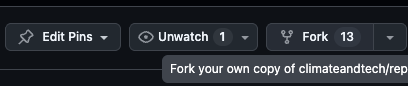
Click Fork (top right). -
Copy your fork URL
On your fork, click Code → HTTPS and copy the repository URL for deploy.
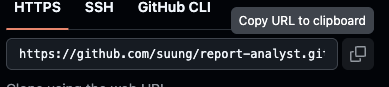
URL must show your username, not climateandtech. -
Open a question set to copy
In
report_analyst/questionsets/(on GitHub), open an existing file — e.g.everest_questions.yamlortcfd_questions.yaml. Each YAML file defines one framework:name,shortcut,description, andquestionswithid,text, andguidelines.
Question sets live in report_analyst/questionsets/. name: TCFD Questions shortcut: tcfd description: Task Force on Climate-related Financial Disclosures (TCFD) question set questions: - id: tcfd_1 text: "How does the company's board oversee climate-related risks and opportunities?" guidelines: | - Focus on board-specific oversight activities - Look for details about processes and frequency of oversight - id: tcfd_2 text: "What is the role of management in assessing and managing climate-related risks?" guidelines: | - Focus on direct duties related to climate issues - Look for specific management positions or committees -
Create your new question set
Use Copy raw file, then Add file → Create new file in the same folder (e.g.
my_framework_questions.yaml) and paste as your starting point.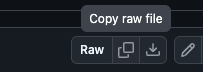
Copy raw file, then create a new .yaml in questionsets/. 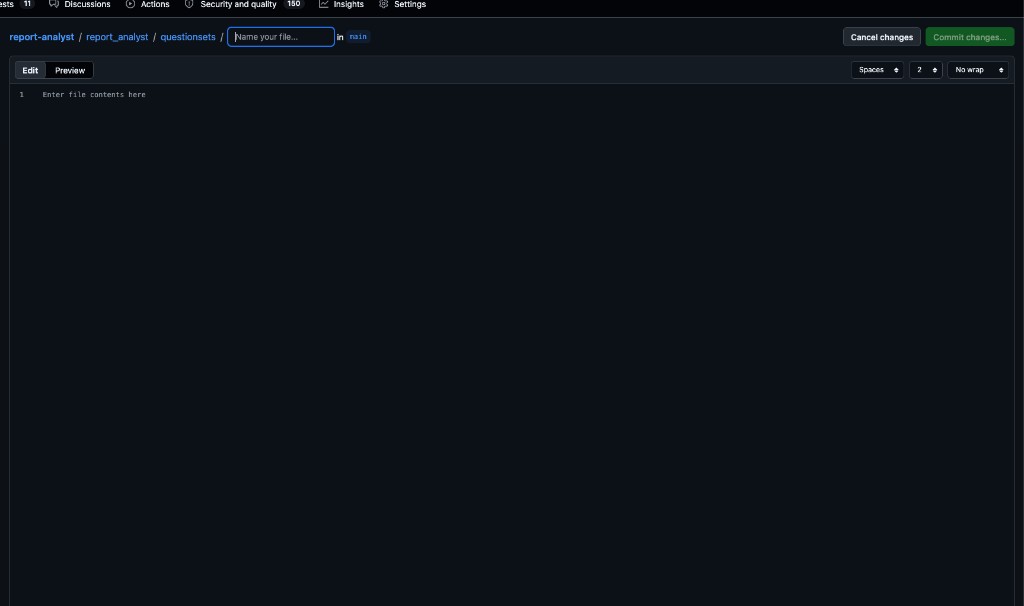
Name your new file in report_analyst/questionsets/. -
Edit your questions
Update
name,shortcut,description, and thequestionslist. One clear question per row; useguidelinesto steer the AI.name: My Custom Framework shortcut: mycustom description: My own question set for analysing sustainability reports questions: - id: mycustom_1 text: "Does the company disclose a net-zero target with a target year?" guidelines: | - Look for an explicit net-zero or carbon-neutral commitment - Note the target year and whether it covers Scopes 1, 2 and 3 - Avoid counting vague ambitions without a date - id: mycustom_2 text: "What interim emission-reduction milestones are reported?" guidelines: | - Look for percentage reductions and baseline years - Note whether the milestones are science-based -
Commit and deploy your fork
Click Commit changes on GitHub, then deploy your fork — not
climateandtech/report-analyst. Follow the Render setup guide or Streamlit guide (deploy fork), using your fork URL.Valid YAML files in questionsets/ appear automatically after deploy.
Tips for writing good questions
Draft with ChatGPT or Claude
Paste an existing question set and your requirements to get a first YAML draft. Test on real reports and iterate.
One idea per question
Keep each question focused on a single, answerable point.
Use guidelines to stay grounded
In guidelines, tell the AI what evidence to look for and what to avoid.
Start from the closest framework
Adapt TCFD or another built-in set instead of writing everything new.
Troubleshooting
My framework does not appear in the app
Make sure the file is inside report_analyst/questionsets/, has a .yaml extension and valid content, and that you redeployed from your fork with the latest commit.
I get a YAML error on load
Check the indentation (2 spaces, no tabs), keep quotes around each text, and use the | block style for guidelines.
Streamlit says “This file does not exist”
You are probably deploying the wrong repository (not your fork) or the main file path is incorrect. Use your fork URL and set the path to report_analyst/streamlit_app.py.
My edits are not showing
Confirm Render or Streamlit is deploying your fork (not the original repo) and that it picked up your latest commit — trigger a redeploy if needed.
Need a hand?
Tailoring ESRS question sets or need a managed setup? Use Try OSA now! or contact us.